A family-friendly media room should make entertainment easy to start, comfortable to share, and safer for ears. The best setup combines sensible speaker placement, volume limits, fewer remotes, clear input paths, child-aware cable management, and habits that prevent sound from becoming the room’s hidden problem.
Home Media Setup Brief
- Safer volume is about level, duration, distance, and listening habits, not only the number on the TV.
- Simpler controls reduce frustration for children, guests, older relatives, and anyone who just wants to watch something.
- A clean setup often depends more on input planning and cable management than expensive gear.
- Families should design for real use: movies, games, sports, homework breaks, accessibility needs, bedtime routines, and shared walls.
Step 1: Define the room’s real use
Before buying equipment, list what the room must handle. A family media room may be used for animated films, console games, sports, music, video calls, workout videos, sleepovers, and quiet evening shows. Each use creates different needs.
Gaming may require low input lag and clear controller storage. Movies may benefit from balanced speakers and dimmable lighting. Younger children may need volume limits and fewer loose cables. Shared walls may require bass control. Older relatives may need clearer dialogue and easier remotes. The best room is not the loudest or most cinematic. It is the one the family can use without constant troubleshooting.
This planning mindset also helps prevent overspending. If the room is mainly for casual family viewing, a reliable soundbar, clear dialogue mode, and one simplified remote may matter more than a complex receiver setup.
Step 2: Treat volume as a health and comfort issue
Hearing safety should be part of home entertainment design. The World Health Organization explains that safe listening depends on volume, duration, and frequency of exposure, and its safe listening guidance notes that louder sound and longer exposure increase risk. The U.S. National Institute on Deafness and Other Communication Disorders also explains that noise-induced hearing loss can result from sounds that are too loud, too long-lasting, or both through its NIHL resource.
In a media room, that means families should avoid using volume as the only solution to unclear dialogue. If voices are hard to hear, check speaker placement, dialogue enhancement, captions, dynamic range settings, and background noise. Turning everything up may make explosions, ads, and game effects uncomfortably loud.
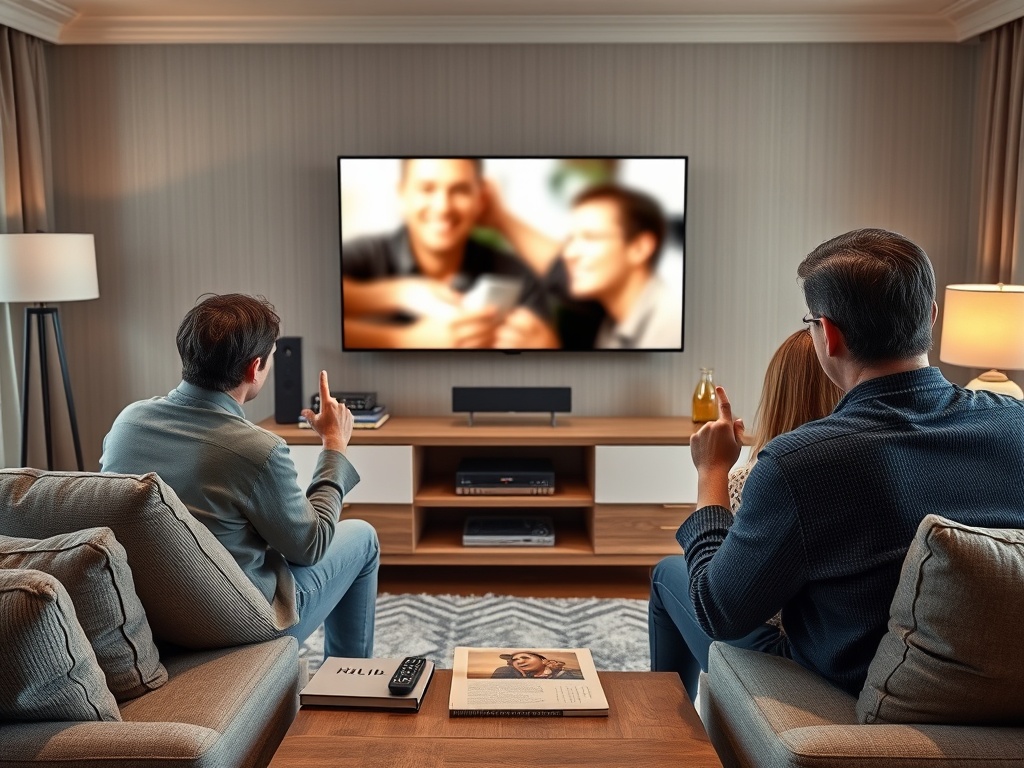
[Image Placeholder 1: A family media room with a clean console, unbranded remote controls, soft lamp light, cable management, and a TV showing blurred shapes with no readable text.]
Step 3: Make the sound clearer before making it louder
Clear sound starts with placement. Do not bury speakers inside closed cabinets. Keep a soundbar or center speaker near ear level if possible. Avoid blocking it with decorations. Reduce echo with rugs, curtains, bookshelves, and soft furniture. If the room has hard floors and bare walls, sound may bounce around and make dialogue harder to understand.
Many TVs and sound systems include settings that can help: dialogue enhancement, night mode, dynamic range compression, automatic volume leveling, or speech clarity. These features can reduce sudden loud jumps between quiet scenes and action sequences. They are especially helpful in households with sleeping children, neighbors, or mixed hearing needs.
| Room issue | Safer or simpler fix | Why it helps |
|---|---|---|
| Dialogue sounds muffled | Improve center speaker or soundbar placement | Raises clarity without raising all effects |
| Action scenes are too loud | Use night mode or dynamic range control | Reduces sudden peaks |
| Too many remotes | Use HDMI-CEC or a simplified remote | Lowers setup friction |
| Kids change settings | Create profiles or lock advanced menus | Prevents accidental confusion |
| Bass travels through walls | Lower subwoofer level or isolate placement | Keeps volume comfortable for others |
Step 4: Simplify the control path
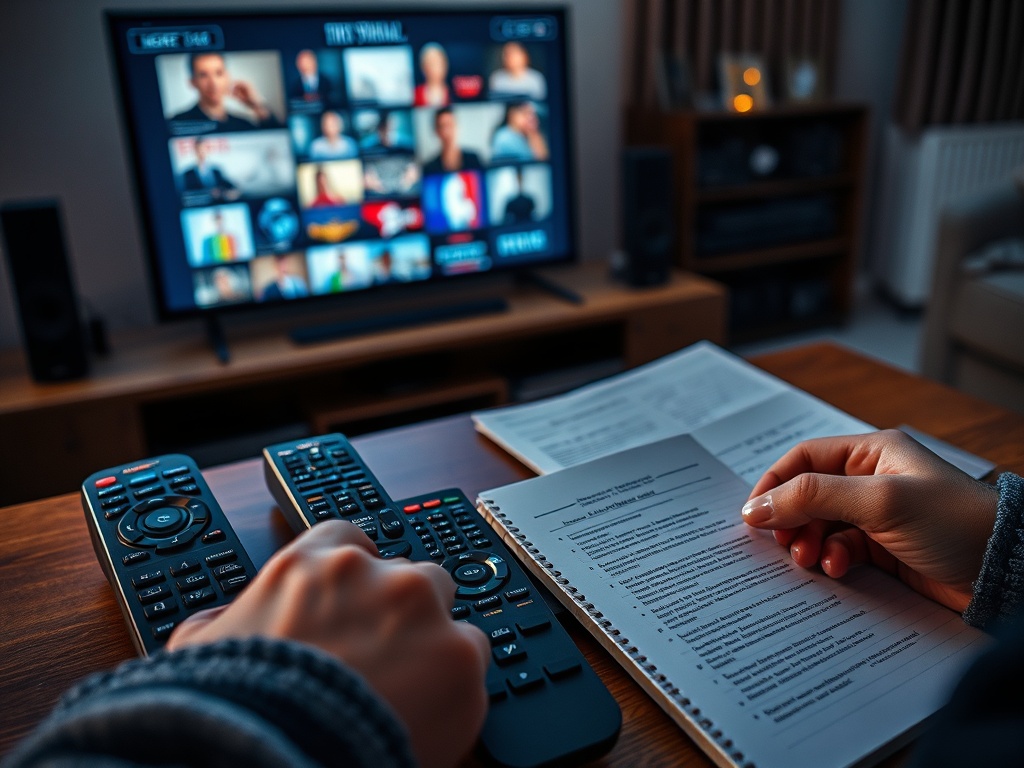
A family-friendly media room should answer three questions quickly: turn on what, choose which input, and control which volume? If those answers require three remotes and guesswork, the room will frustrate people.
HDMI eARC can help simplify audio routing between a TV and sound system. HDMI Licensing Administrator’s overview of enhanced Audio Return Channel explains that eARC is designed to simplify connectivity and support audio optimization between components. In plain terms, it can help the TV send audio back to a soundbar or receiver through the right HDMI connection.
Families do not need to memorize every technical term, but they should label inputs clearly during setup. Use simple names like Game, Movies, Cable, or Soundbar if the TV allows input renaming. Keep one small instruction card in a drawer for guests or babysitters, with no passwords visible.
Step 5: Build for children, guests, and fatigue
Family-friendly design means the room still works when people are tired. Store controllers in the same place. Use cable clips or sleeves. Keep chargers accessible but not tangled. Mount heavy devices safely. Avoid placing small accessories where toddlers can reach them. Keep ventilation clear so devices do not overheat.
Lighting matters too. A soft lamp behind or beside the seating area can reduce eye strain compared with watching in a completely dark room. Blackout curtains may help daytime viewing, but avoid making the room so dark that people trip over toys, pets, or cables.
For households that watch a lot of streaming, simplify app placement on the home screen. Remove unused apps if possible. Keep parental controls and purchase restrictions updated. If the family uses multiple profiles, name them clearly.
Step 6: Test the room with real scenarios
After setup, test the room the way it will actually be used. Ask a child to start a movie with supervision. Ask a guest to switch to the game console. Play a quiet dialogue scene and an action scene at the same volume setting. Walk to the next room and listen for bass leakage. Try captions from the normal seating position.
This test will reveal problems a spec sheet cannot. Maybe the remote is too small. Maybe the subwoofer rattles a wall. Maybe the TV interface hides the input menu. Maybe a lamp reflects on the screen. Fixing these details is what turns equipment into a usable room.
A reader who wants to connect this setup thinking to broader entertainment design may also enjoy what makes a great tutorial level teach without feeling like a lecture because both topics are about making systems easier to understand through good design.
A calmer room for shared entertainment
A family media room does not need to imitate a commercial theater. It needs to support the people who use it most. Safer volume, clear dialogue, fewer control steps, and tidy physical setup will improve more nights than one flashy upgrade.
The next step is to do a 20-minute room audit: list every remote, cable, input, sound complaint, and confusing step. Fix the top three sources of frustration before buying anything new. The best upgrade may be the one that makes the room easier and gentler to use.